Tutorial
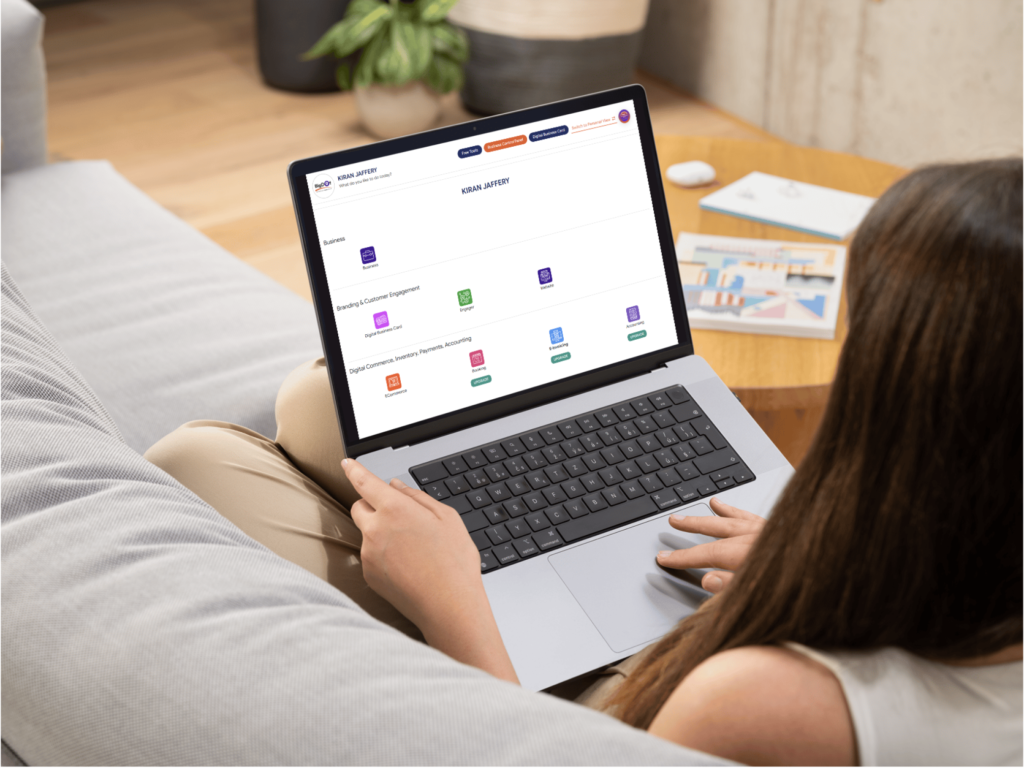
Manage Digital Business Card Backend
Take full control of every digital business card your team uses, right from a single dashboard. In this video, you’ll learn how to create and edit cards, update profiles, change themes, and manage links, buttons, and social icons in real time.
What you’ll learn in this video
1. Logging in and navigating the digital business card backend.
2. Creating a new card, choosing a template, and applying your brand colors, logo, and cover image.
3. Editing contact details, adding links, media, and call‑to‑action buttons.
4. Managing user access and viewing usage insights.
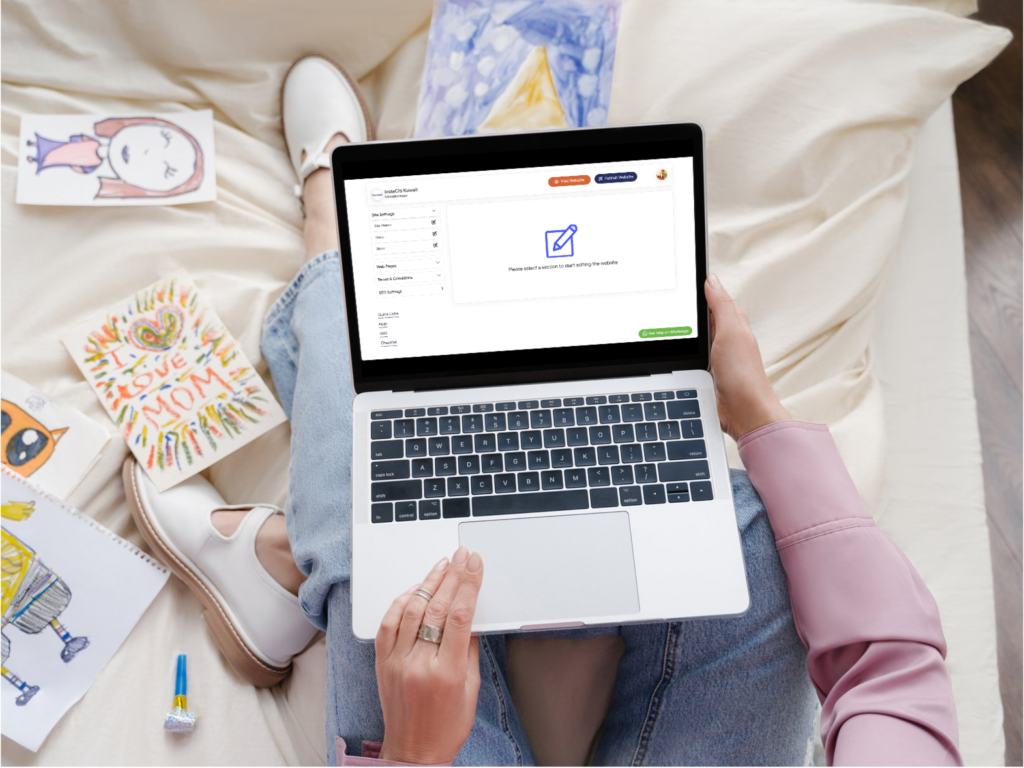
Manage Website Backend
This tutorial walks you through how to manage your website backend so you can keep pages, content, and media updated without touching code. From adding new pages and sections to updating banners, menus, and SEO settings, you’ll see exactly how to maintain a professional, conversion‑focused site.
What you’ll learn in this video
1. Logging in securely and understanding the main dashboard, menus, and roles.
2. Creating and editing pages, updating text and images, and managing navigation.
3. Handling forms, inquiries, and basic SEO fields like titles, descriptions, and slugs.
4. Managing media library, backups, and key settings to keep the site fast, secure.
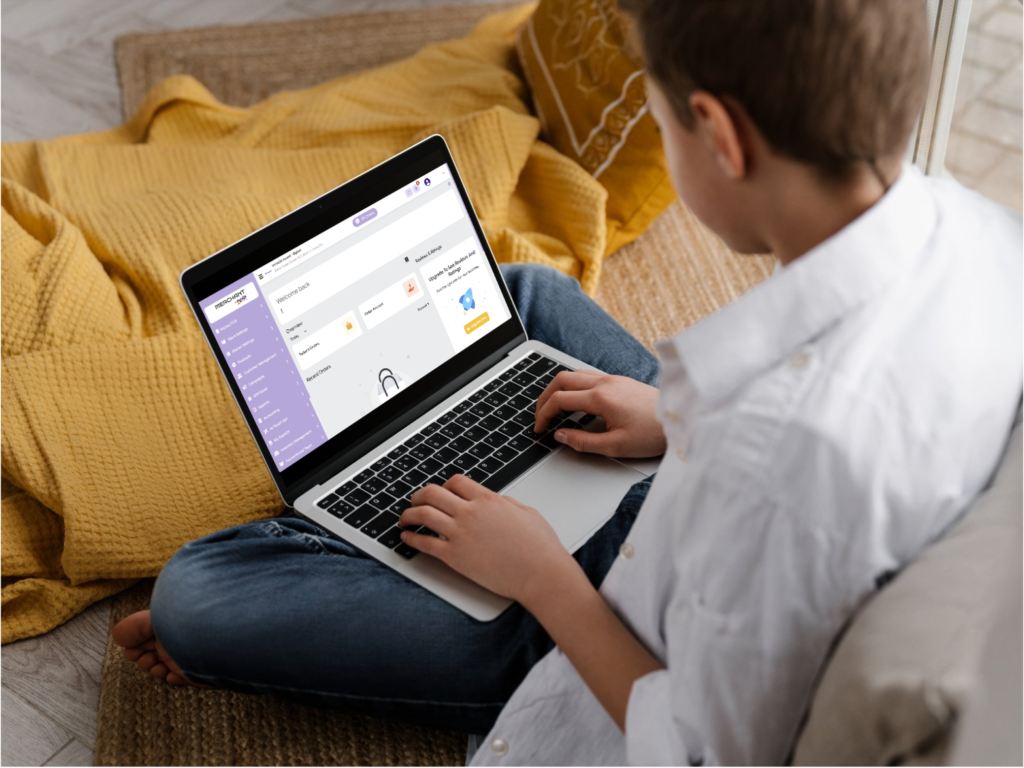
Manage Pro‑Commerce Merchant Dashboard
Use the Pro‑Commerce Merchant Dashboard to manage your entire online store from one place. In this video, we show you how to handle products, inventory, orders, payments, and promotions so your e‑commerce operations run smoothly every day.
What you’ll learn in this video
1. Overview of the merchant dashboard: navigation, widgets, and key reports.
2. Adding and managing products, categories, stock levels, pricing, and discount codes.
3. Processing orders, updating statuses, handling POS, and viewing customer details.
4. Managing payment methods, taxes, shipping settings, and basic sales analytics.
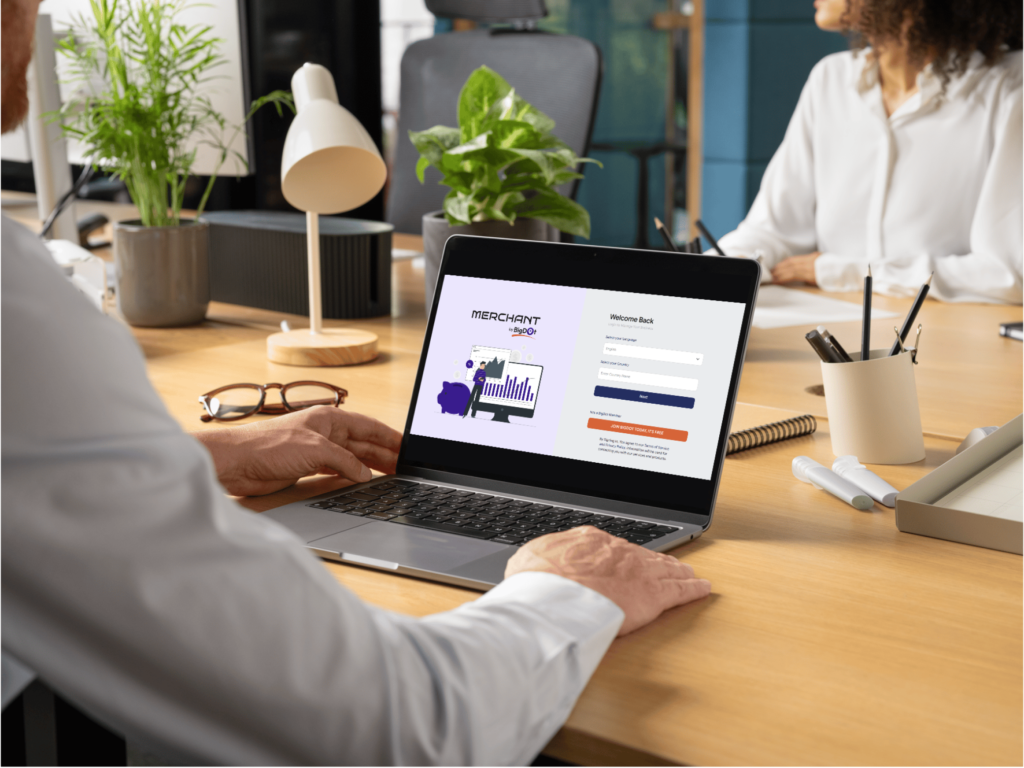
Manage Pro‑Booking Merchant Dashboard
The Pro‑Booking Merchant Dashboard helps you manage all your bookings, appointments, and schedules in one powerful interface. This tutorial explains how to set up services, time slots, pricing, and notifications so customers can book online while you stay fully in control.
What you’ll learn in this video
1. Getting familiar with the booking dashboard and calendar view.
2. Creating services, defining duration, capacity, and available time slots.
3. Setting pricing rules, offers, and policies like deposits, confirmations, and cancellations.
4. Managing upcoming bookings, reschedules, reminders, and customer details.